How to Add Mods to an ARK Server
1. Enable Auto Managed Mods
Ensure -automanagedmods is in your start parameters to allow the server to auto-download and update mods.
This is included by default in your start parameters.
2. Edit GameUserSettings.ini.scroll_template
Open GameUserSettings.ini.scroll_template located in
\serverfiles\ShooterGame\Saved\Config\LinuxServer\GameUserSettings.ini.scroll_template
Add your mod IDs under [ServerSettings]:
[ServerSettings]
ActiveMods=modID1,modID2

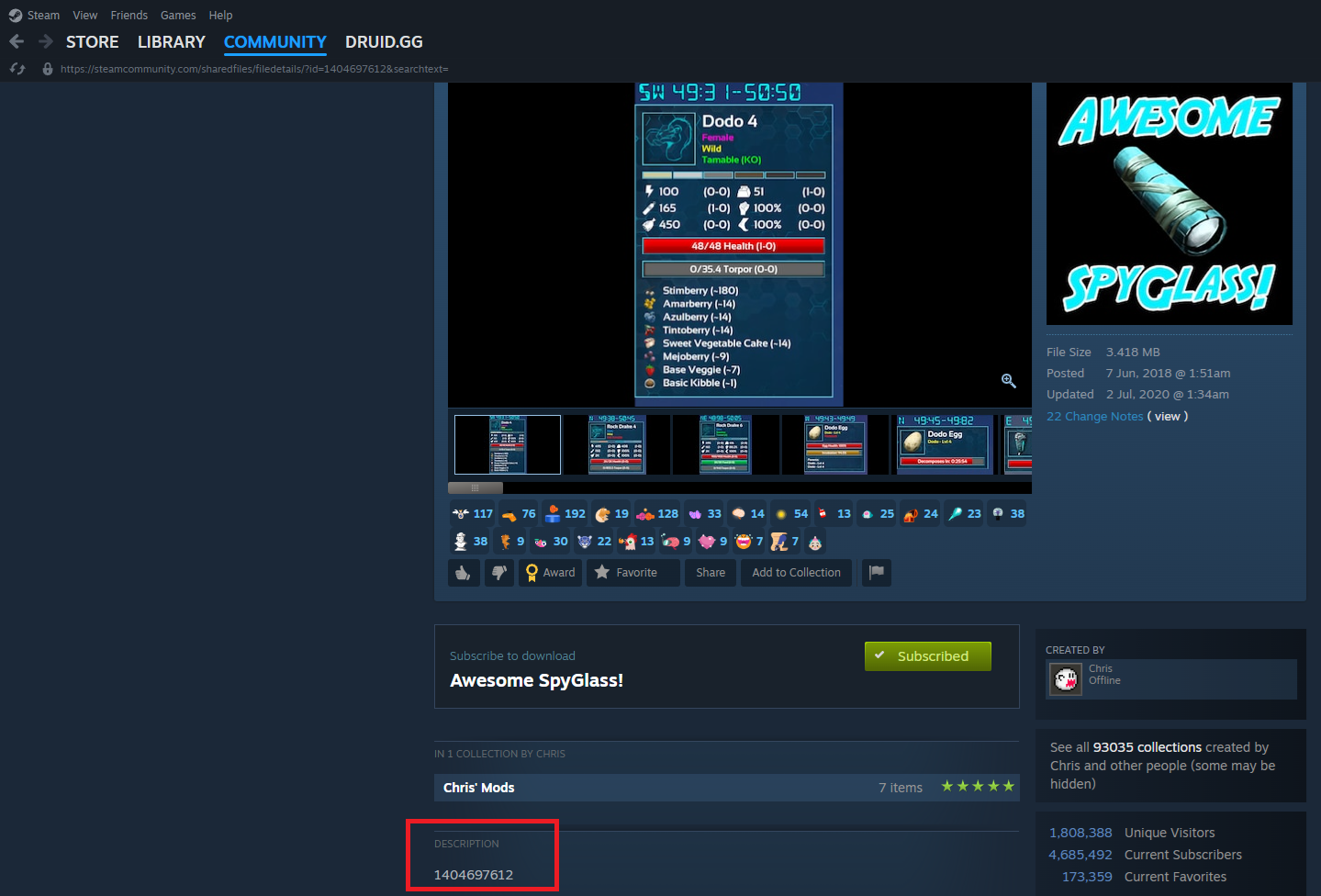
You can find the mod IDs within the description of the mods in Steam Workshop, as shown in the screenshot below.
3. Edit Game.ini
Open Game.ini in the same directory:
\serverfiles\ShooterGame\Saved\Config\LinuxServer\Game.ini
Add your mod IDs under [ModInstaller]:
[ModInstaller]
ModIDS=modID1
ModIDS=modID2

4. Restart Server
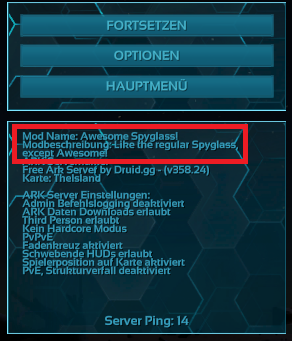
Restart your server to apply the changes and verify mods are loaded by checking the Info.
For more details, refer to the official LGSM documentation.